Live View
The Live View page displays the live camera stream configured for WAMF.
It provides a convenient way to view the monitored area directly from the WAMF interface.
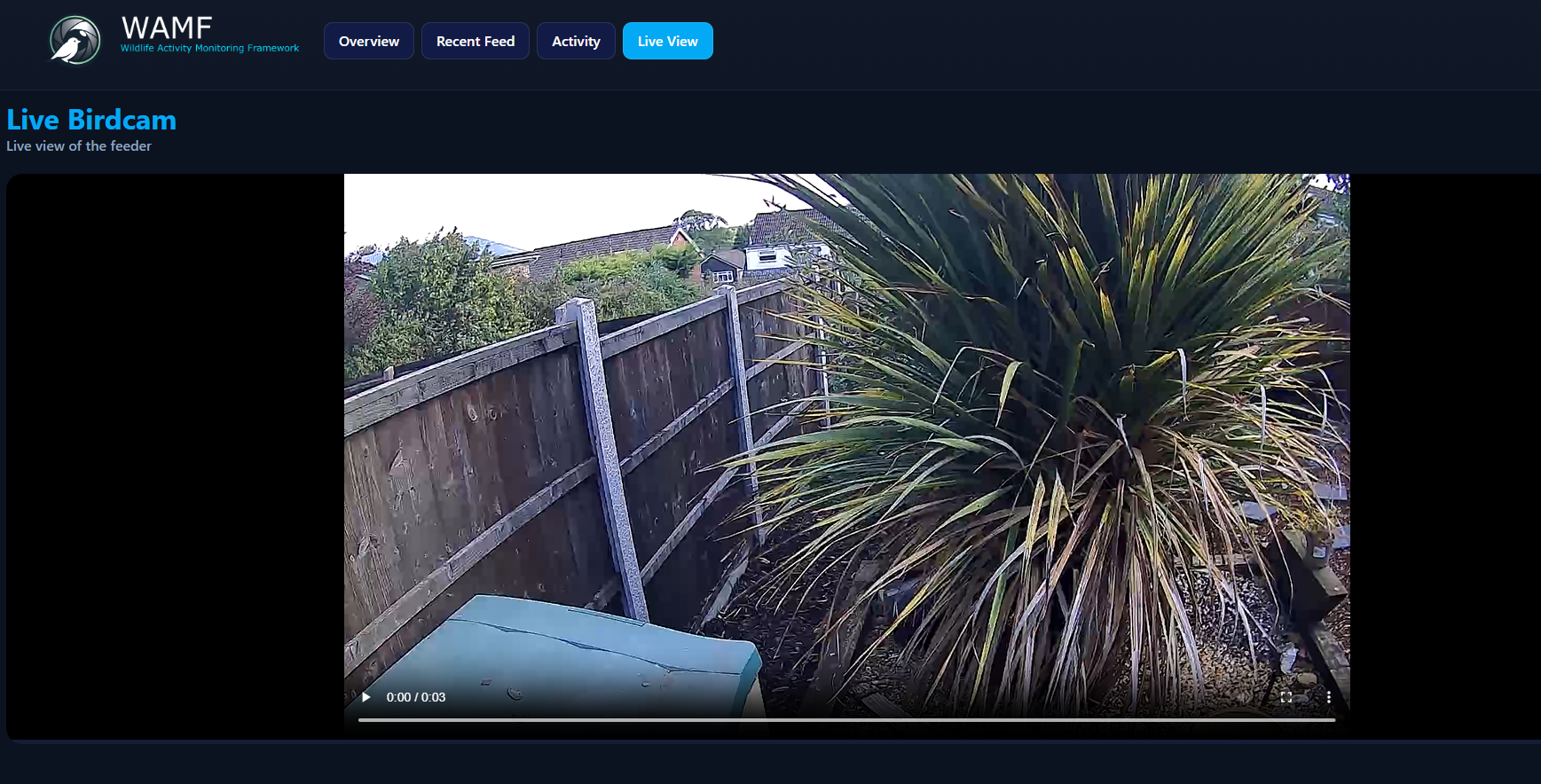
Live Birdcam
The configured camera stream is displayed using the browser's video player.
Available playback controls depend on the browser and the type of stream provided to WAMF.
Configuration
The Live View source is configured using the live_view section of
config.yml:
Set url to the web-compatible live stream that you want WAMF to display.
For example, the stream may be provided by go2rtc or another service capable of supplying a stream suitable for playback in a web browser.
See the Configuration Reference for the available setting.