Authentication
WAMF provides authentication for the administration interface and token-based authentication for API access.
Administrator Password
The administrator password is used to sign in to the WAMF administration interface.
The password can be changed from Admin → Password.
To change the password:
- Enter the current administrator password.
- Enter the new password.
- Confirm the new password.
- Select Update Password.
The current password must be known before it can be changed through the administration interface.
API Token
WAMF can use token authentication to protect API access.
The API Token administration page shows whether token authentication is enabled and whether an API token is currently configured.
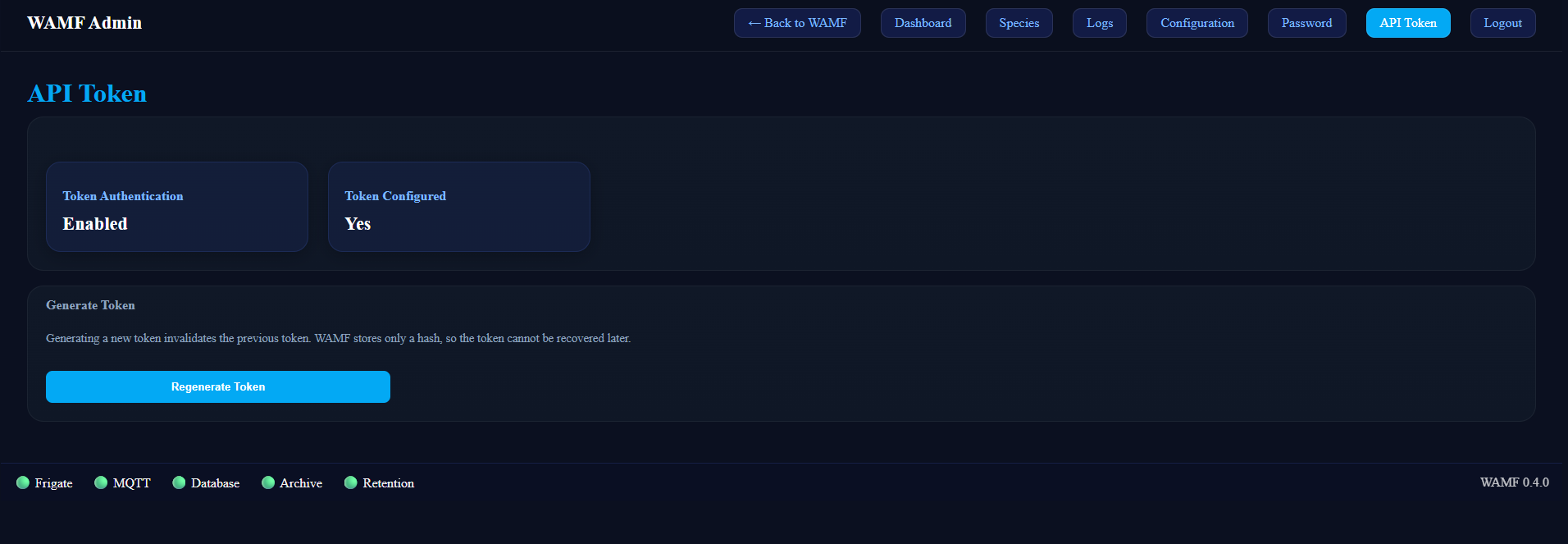
Generating an API Token
An API token can be generated from Admin → API Token.
Save the token when it is generated
WAMF stores only a hash of the API token. The original token cannot be recovered later.
If the token is lost, generate a new one and update any applications or services that use the WAMF API.
Regenerating the Token
Selecting Regenerate Token creates a new API token.
Generating a new token immediately invalidates the previous token. Any application using the previous token must be updated with the new token before it can authenticate again.
API Usage
Details of the available API endpoints are covered in the REST API documentation.